Restyle your home
in seconds.

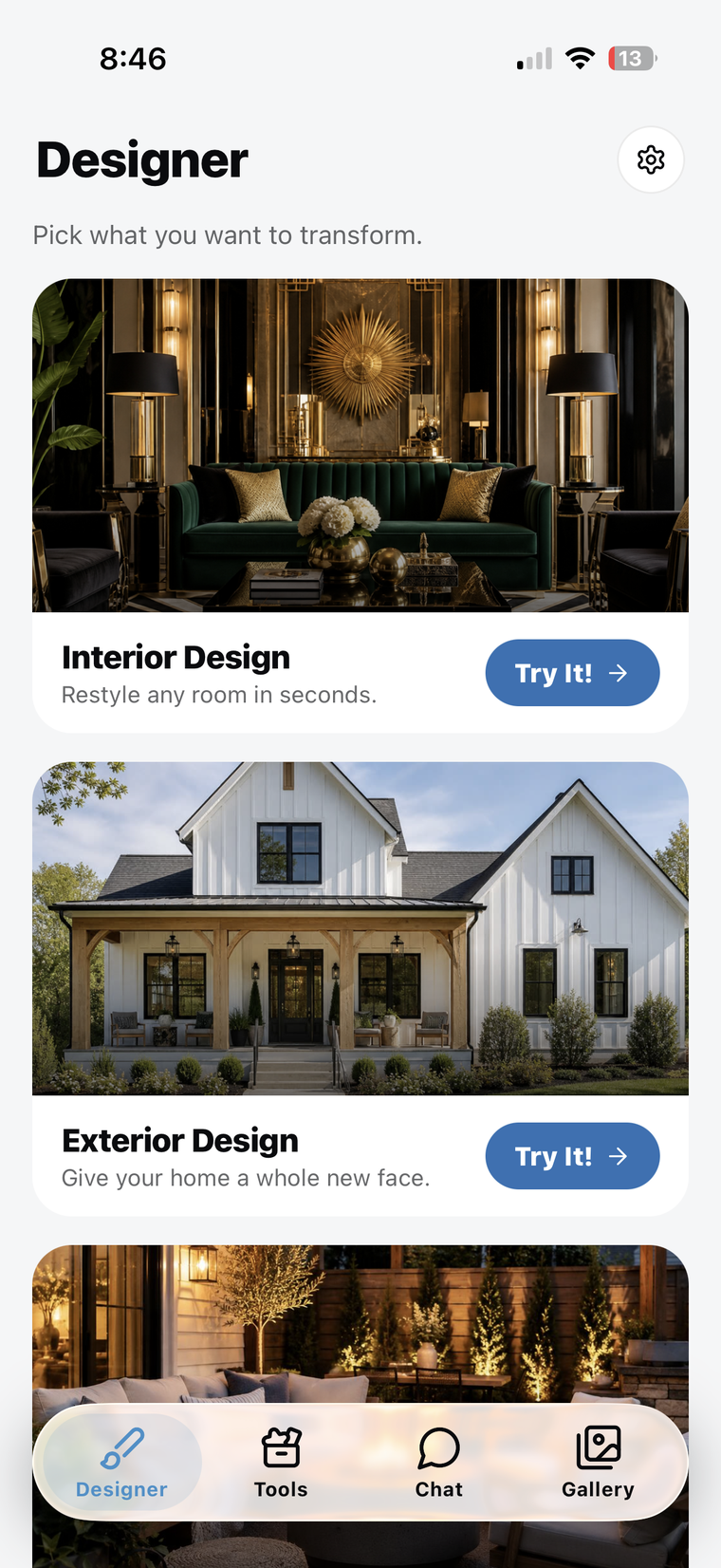
Snap a photo of any space — indoors or out — and instantly see it restyled in dozens of looks. Living rooms, kitchens, facades, patios, and yards. Fine-tune every detail with AI, then save the looks you love.
Download on the App Store Google Play · Coming soon
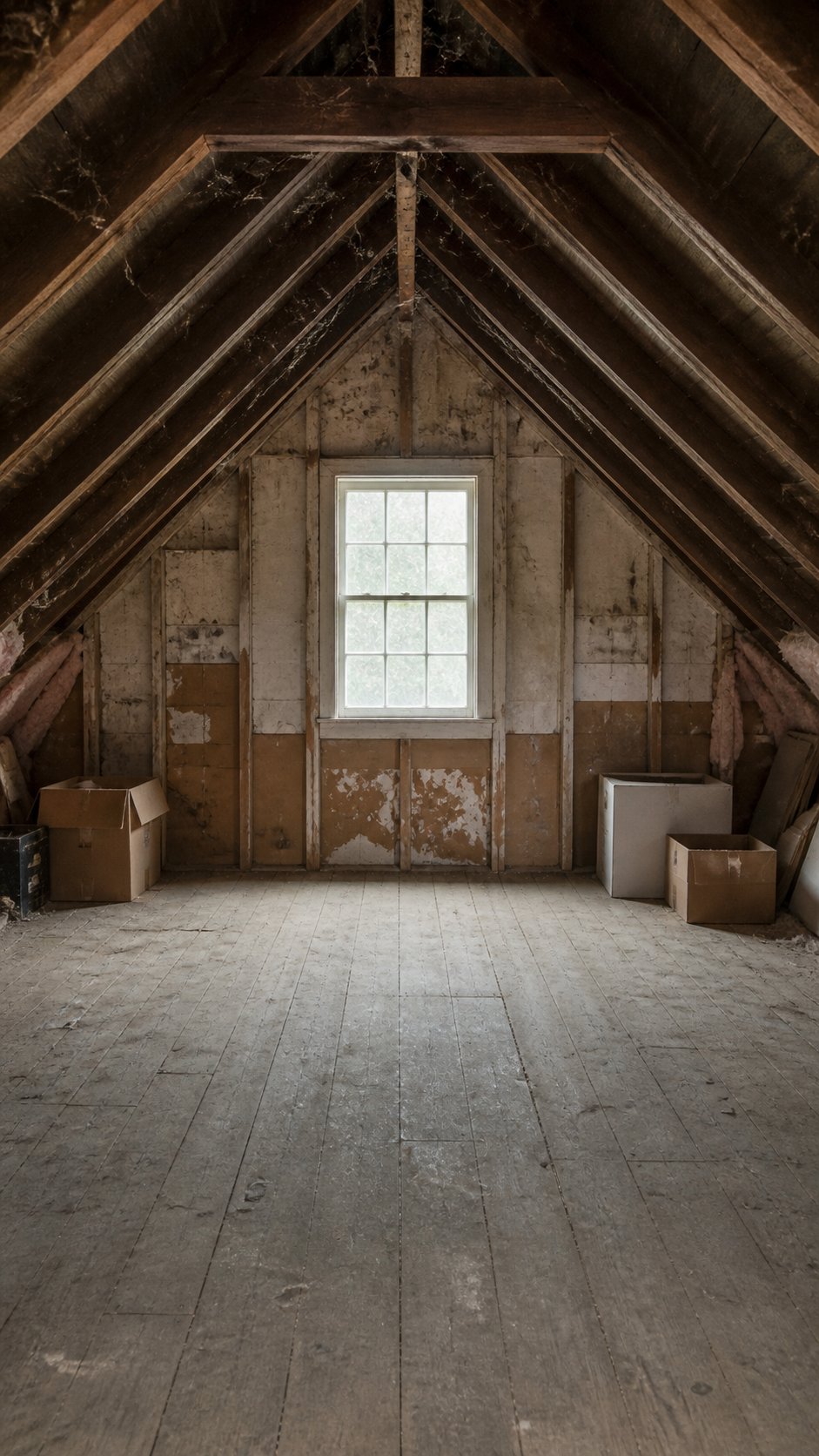
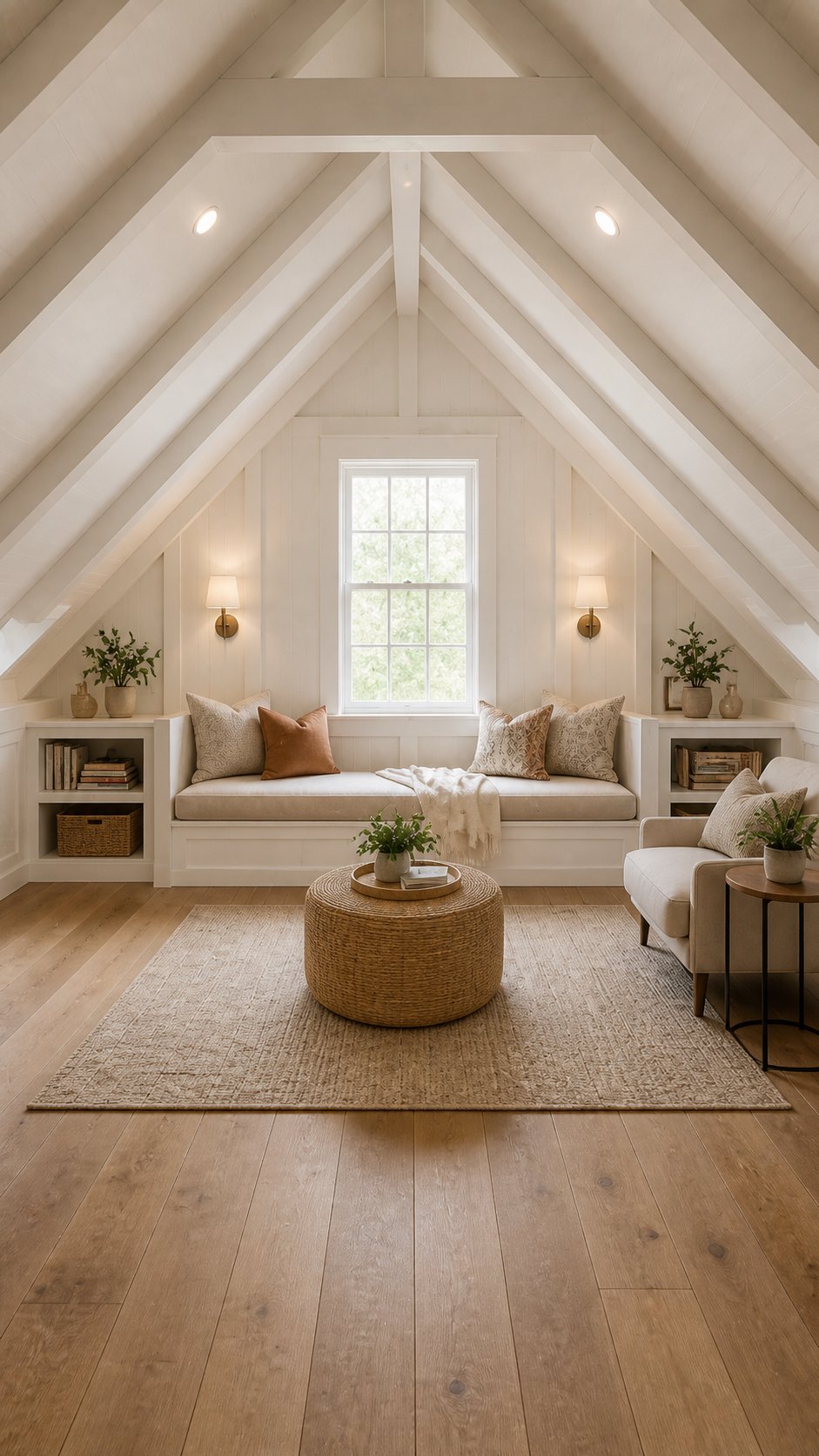
Room before AI redesign Room after AI redesign
Before After

Every space, reimagined.

Pick from countless styles and watch any part of your home transform. Interiors, exteriors, and outdoor spaces — all photorealistic.

Interior · Before
Interior · After

Interior

Living rooms, kitchens, bedrooms, bathrooms, and more — restyled in seconds.

Exterior · Before
Exterior · After

Exterior

Facades, entryways, and architecture — reimagine your curb appeal.

Yard · Before
Yard · After

Yard

Gardens, patios, and backyards — visualize your outdoor escape.

Precision edits, one tap.

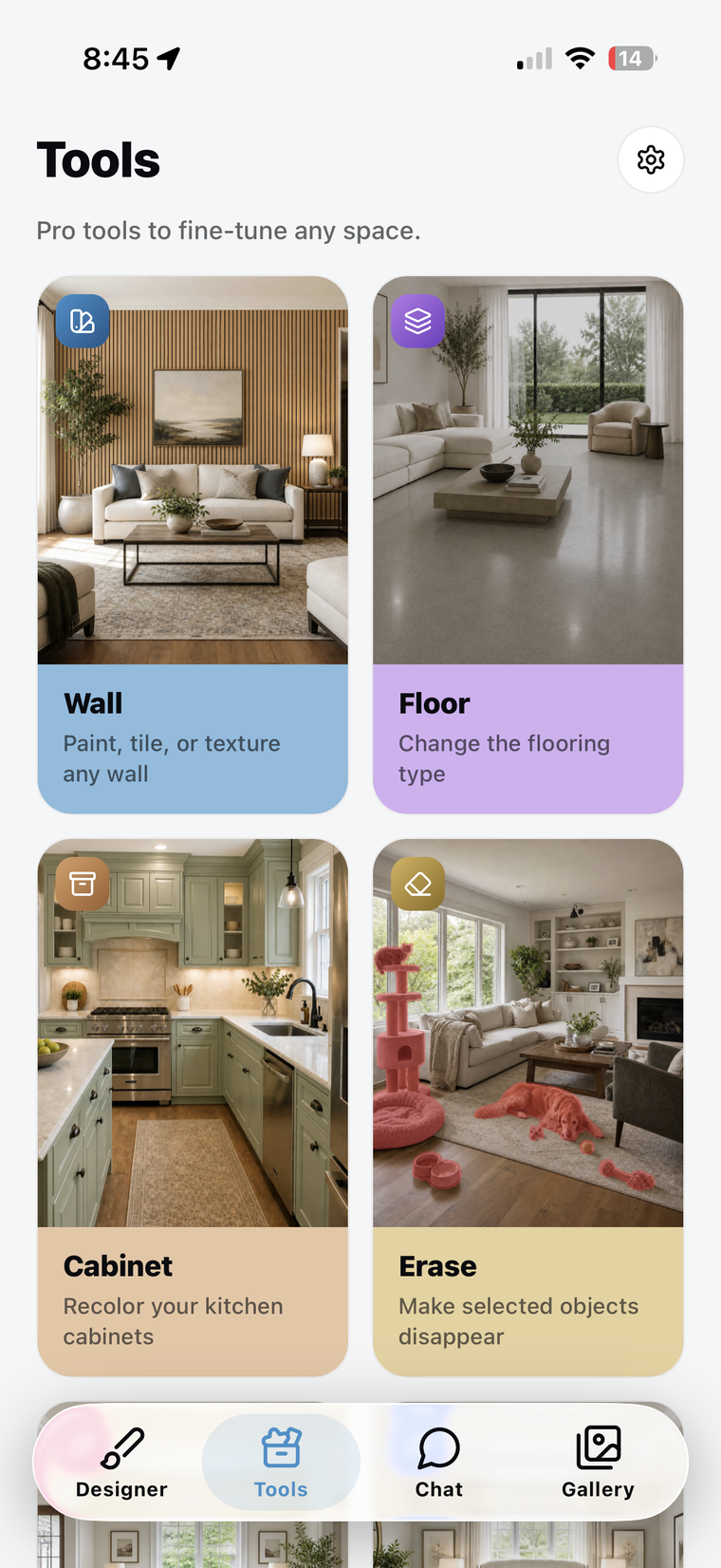
Seven dedicated tools for surgical changes — change one thing or transform everything.

Before
After

Wall

Repaint or change wall finishes.

Before
After

Floor

Swap to wood, tile, carpet, or stone.

Before
After

Clear

Empty the room of all furniture and decor.

Before
After

Erase

Make any selected object disappear.

Before
After

Replace

Swap furniture and decor for new pieces.

Before
After

Cleanup

Tidy a space and remove the mess.

Before
After

Rearrange

Reposition furniture for a new flow.

Just describe it.

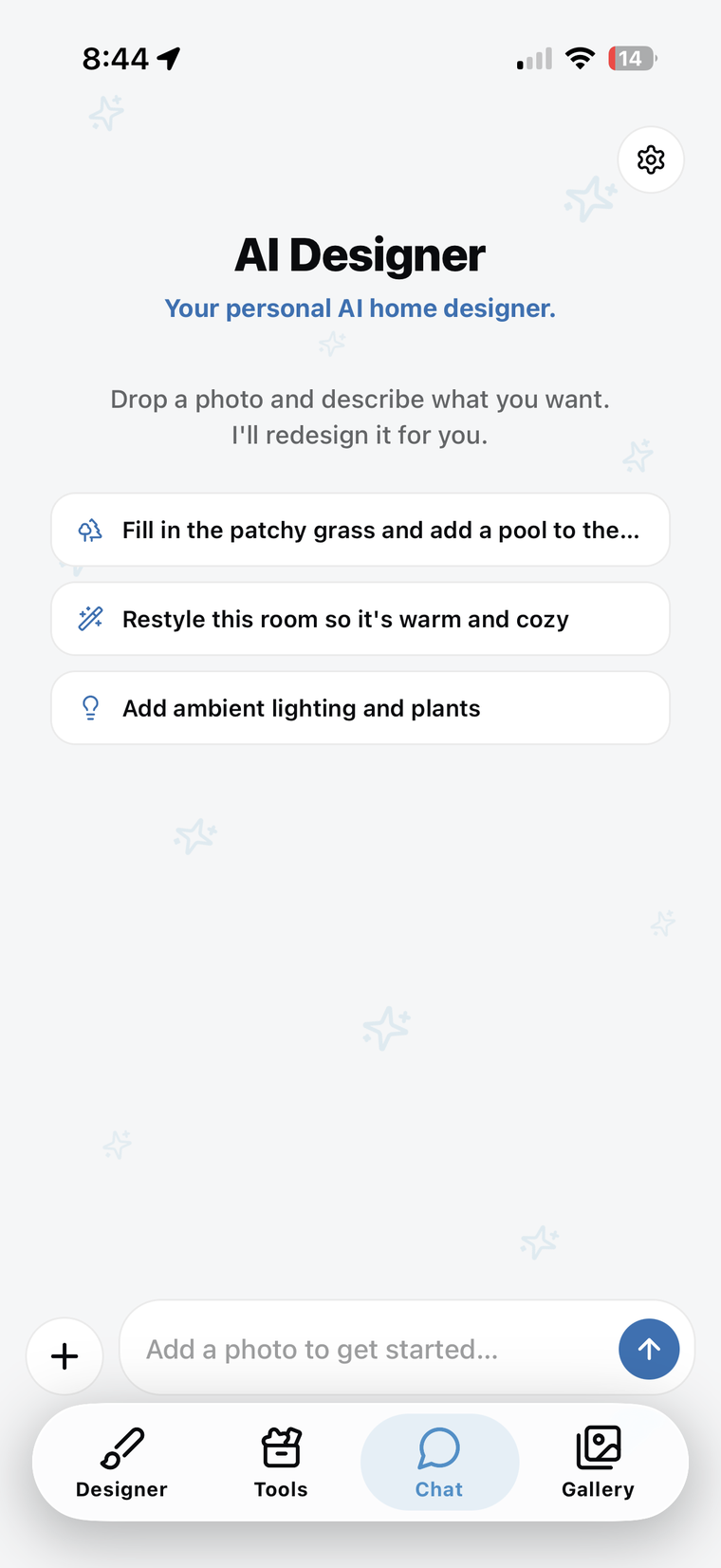
Drop a photo, type what you're imagining, and watch the space respond. No menus, no presets — just tell it what you want, the way you'd text a designer who never sleeps.

AI Designer Chat
Kitchen before redesign
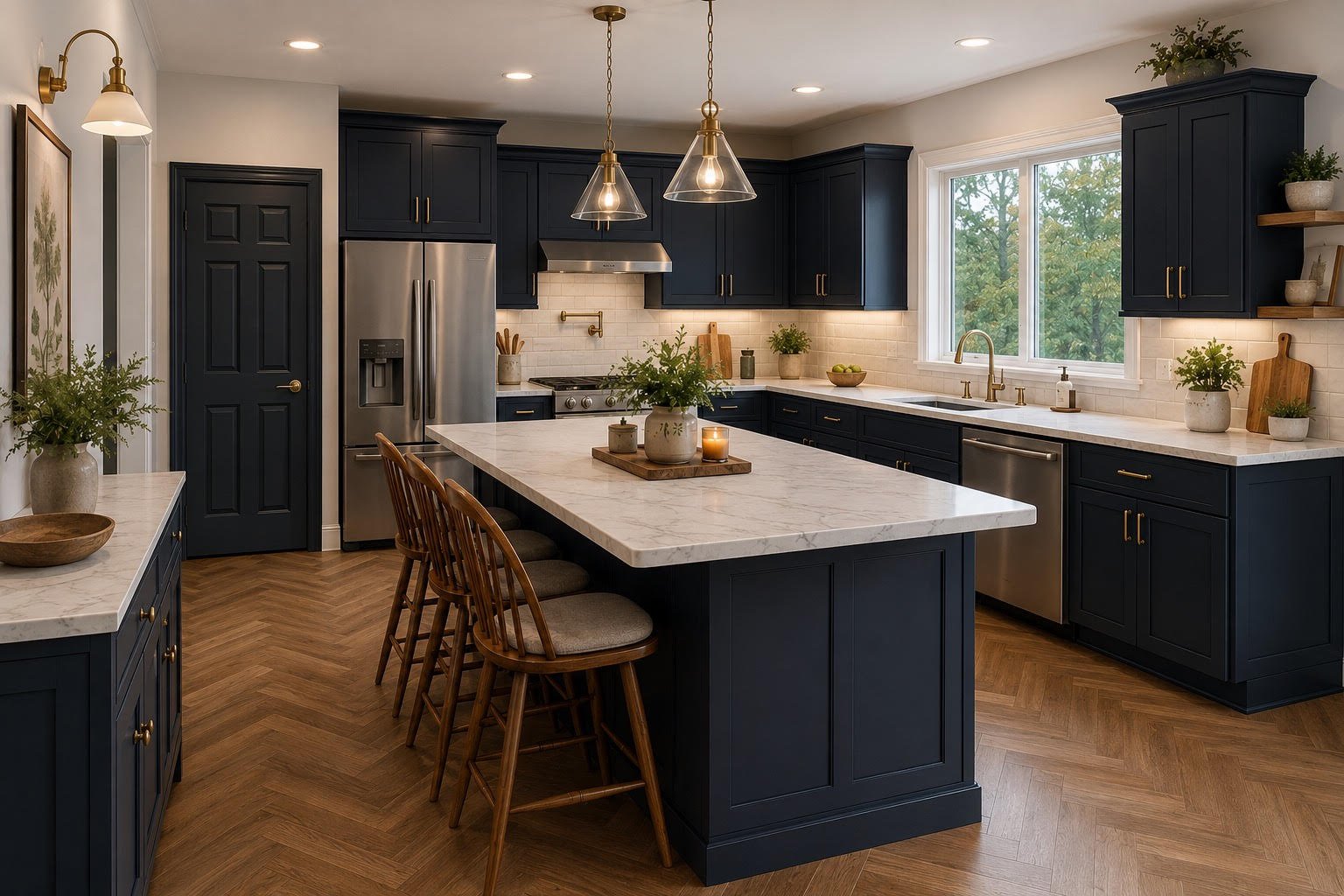
Update the kitchen completely, change the appliances and lighting fixtures, change the floor to herringbone wood, the cabinets to a new dark blue, and the countertops to white marble.
Kitchen after redesign
Here's your image redesigned!
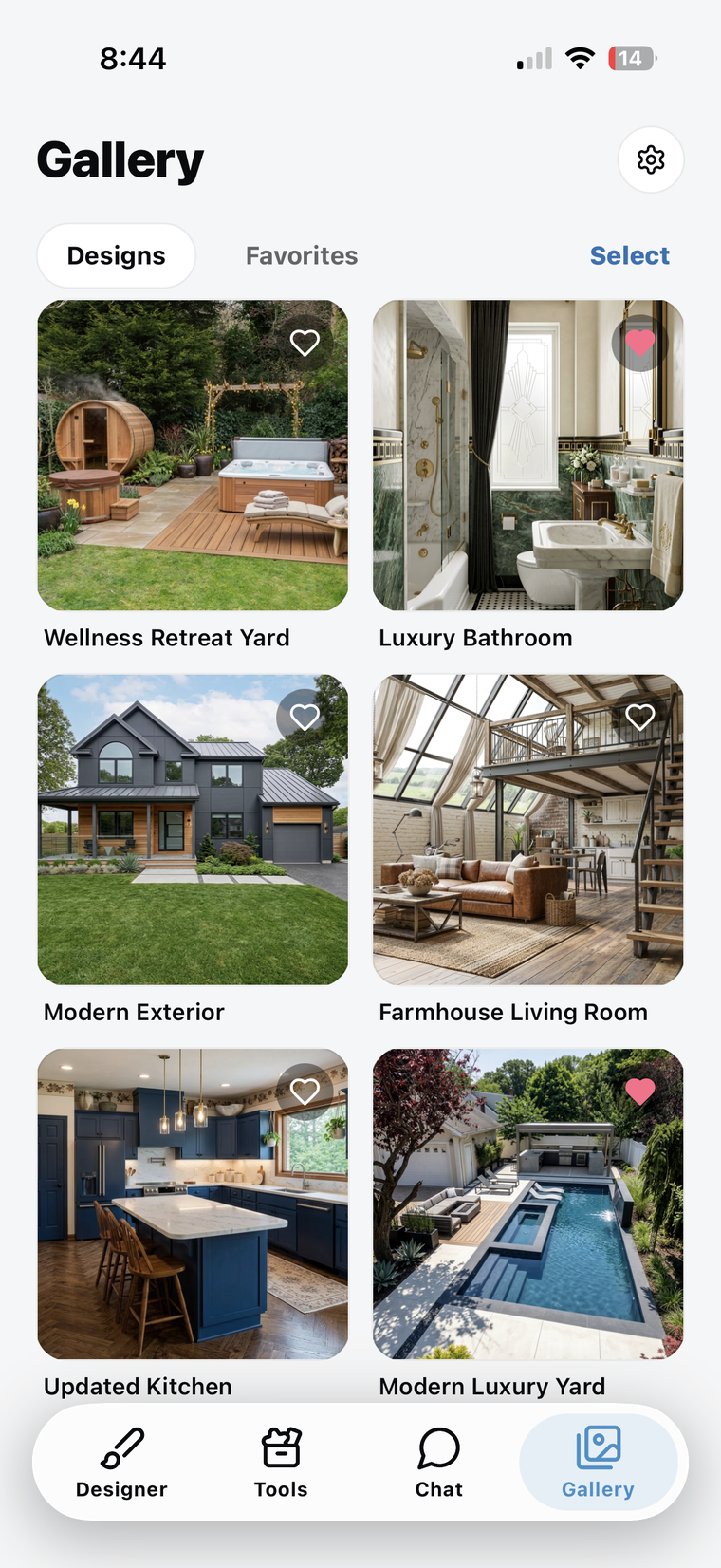
StyleHome AI Creations gallery, dark mode StyleHome AI Creations gallery, light mode

Save the ones you love.

Found a look worth keeping? Save it to your personal gallery in a tap — then revisit, refine, or share it whenever inspiration strikes.

From photo to final look, in three steps.

01

Snap or upload

Use your camera or pull a photo from your library. Interior, exterior, garden — any space works.

02

Choose your direction

Pick a curated style, describe it in your own words, or grab a precision tool to edit a single detail.

03

Save the ones you love

Found a look worth keeping? Save it to your personal gallery in a tap — then revisit, refine, or share it with the people you're building it for.

FAQ

How does StyleHome AI actually work?
You upload a photo of any space, pick a style or describe what you want, and our AI generates a fresh, photorealistic redesign of that space. You get a brand-new image to save, compare, and share — your original stays right where it is in your photo library.
Do I need a subscription?
New users can try StyleHome AI for free to get a feel for it. A PRO subscription unlocks the full experience — more redesigns and the complete set of styles and tools. You can cancel anytime from your Apple ID settings.
What kinds of spaces can I redesign?
Anything related to your home — interiors (living rooms, kitchens, bedrooms, bathrooms), exteriors (facades, entryways), yards, gardens, and patios. The app focuses on property and architectural redesigns.
Is StyleHome AI available on Android?
Coming soon. We're launching on iOS first to focus on quality. Android is on the roadmap — follow us on Instagram for launch updates.

See your dream space,
before you build it.

Download StyleHome AI and start your first redesign in under a minute.

Download on the App Store Google Play · Coming soon